
If your job requires sitting at a desk for long periods throughout your day, having an ergonomic workstation setup can help reduce discomfort and prevent injury! Neck, back, shoulder, and wrist pain can occur with a poor workstation set-up. Below are tips to reduce pain and optimize your work productivity.
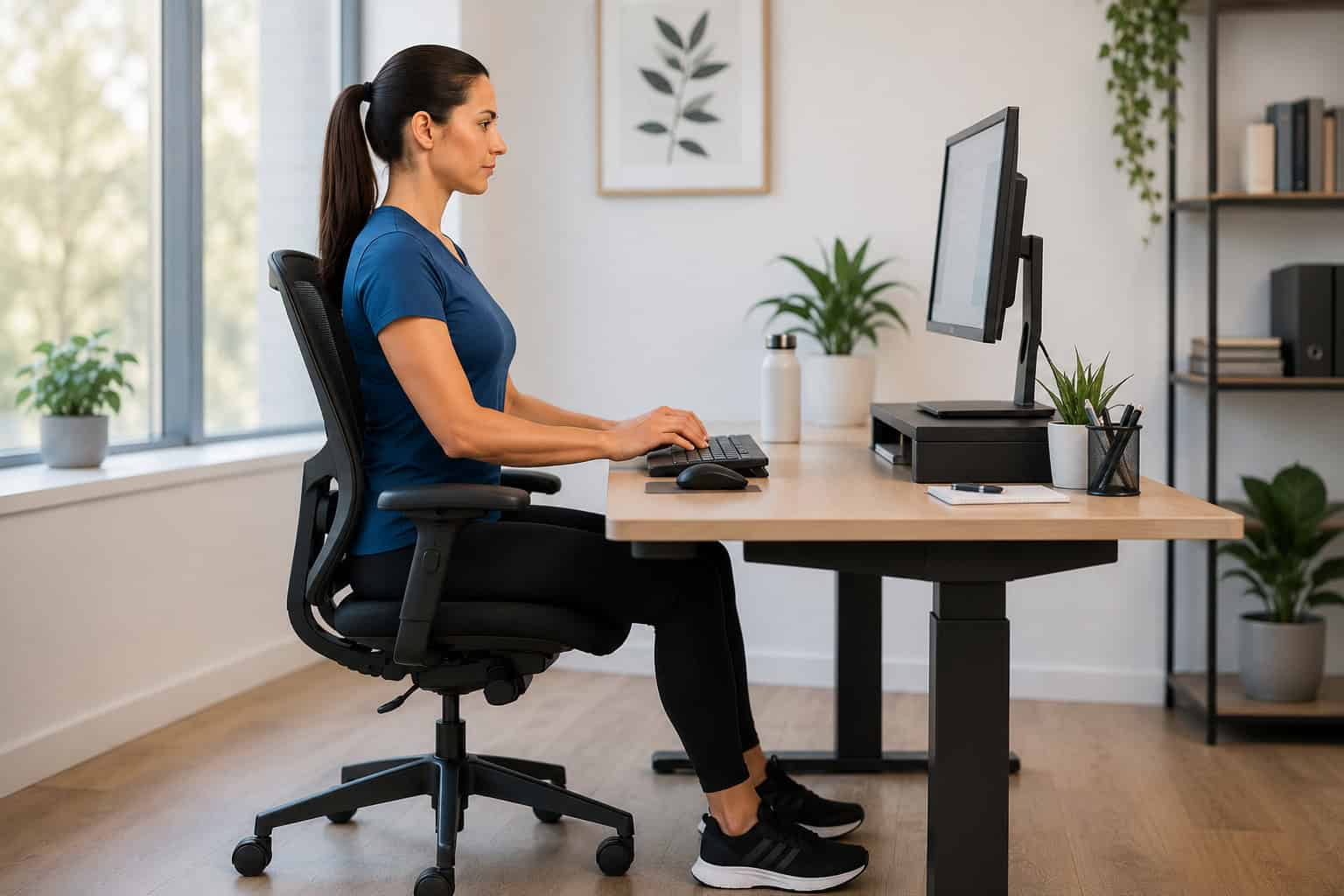
Create a calm workstation
Stress and anxiety can lead to increased tension in your neck and shoulders. Try to create a more relaxing work environment to help reduce stress. Taking regular movement breaks or short walks throughout your day, listening to calming music, and increasing your water intake can help to decrease stress levels. Additionally, an office set-up with natural light and low clutter will help to decrease stress levels and optimize productivity. If you have a standing desk, try alternating your desk position from sitting to standing throughout your day to break up sedentary behavior and reduce physical fatigue.
Optimize your workspace
A proper ergonomic workstation setup can help improve posture, reduce muscle strain, and support long-term comfort throughout your workday.
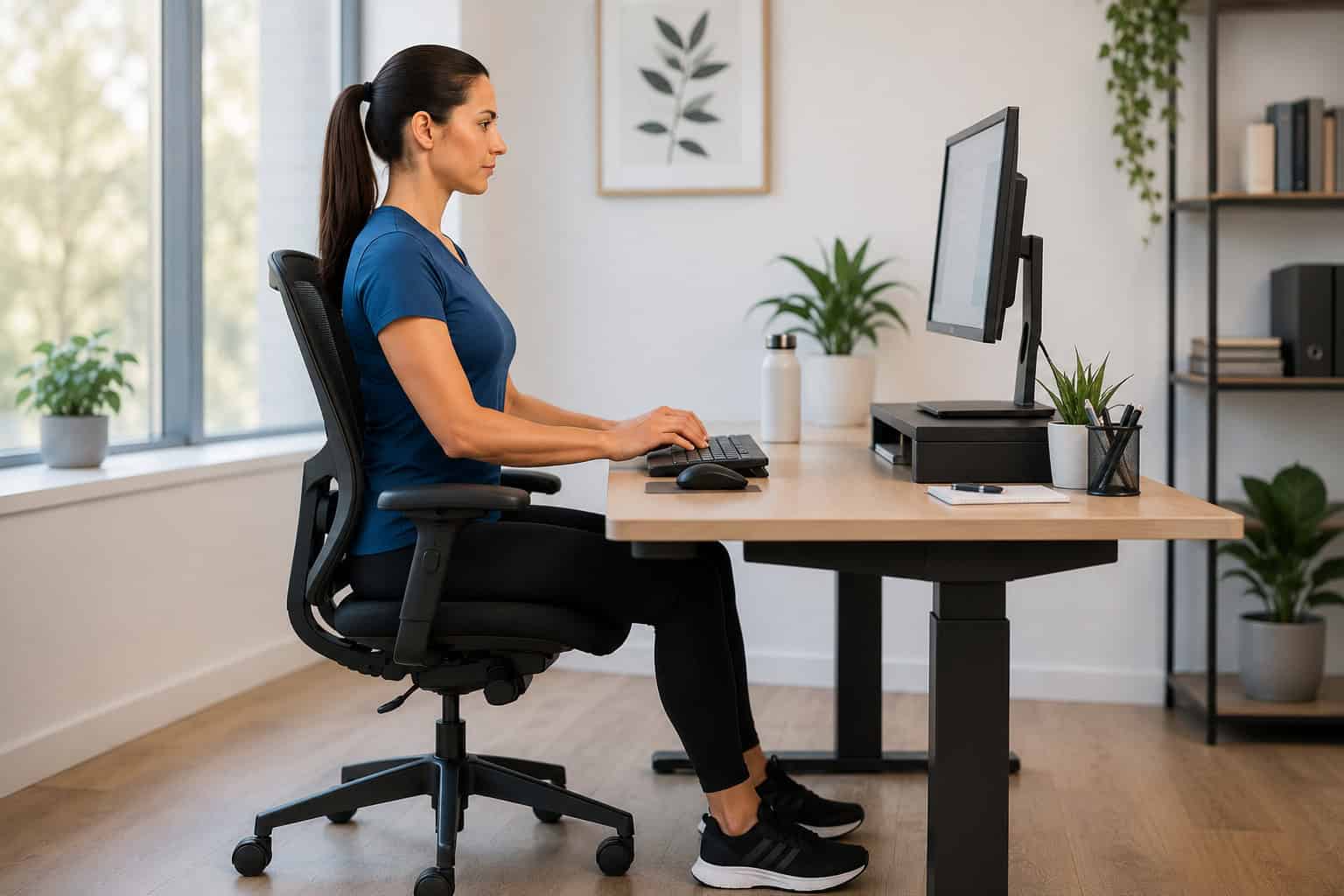
- Sit in a chair with low & middle back support
- Remove armrests
- Support feet on ground or footstool
- Angle seat pan slightly downward so that knees are below hip-level
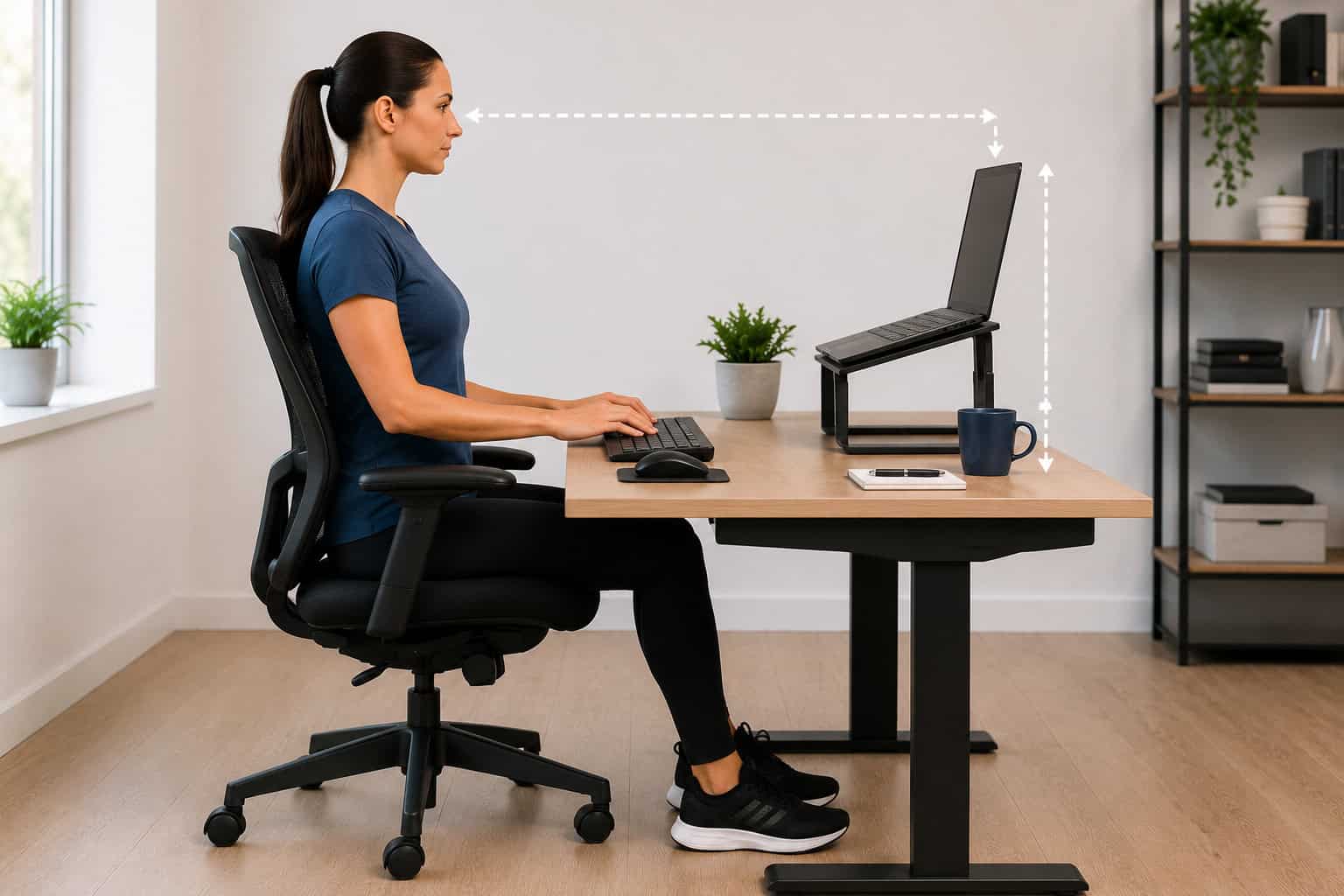
- Position screen at arm’s length away
- Forward eye gaze should be slightly above screen
- Position books or risers under monitor to limit neck strain
- Tilt screen so that the bottom portion is slightly closer to you
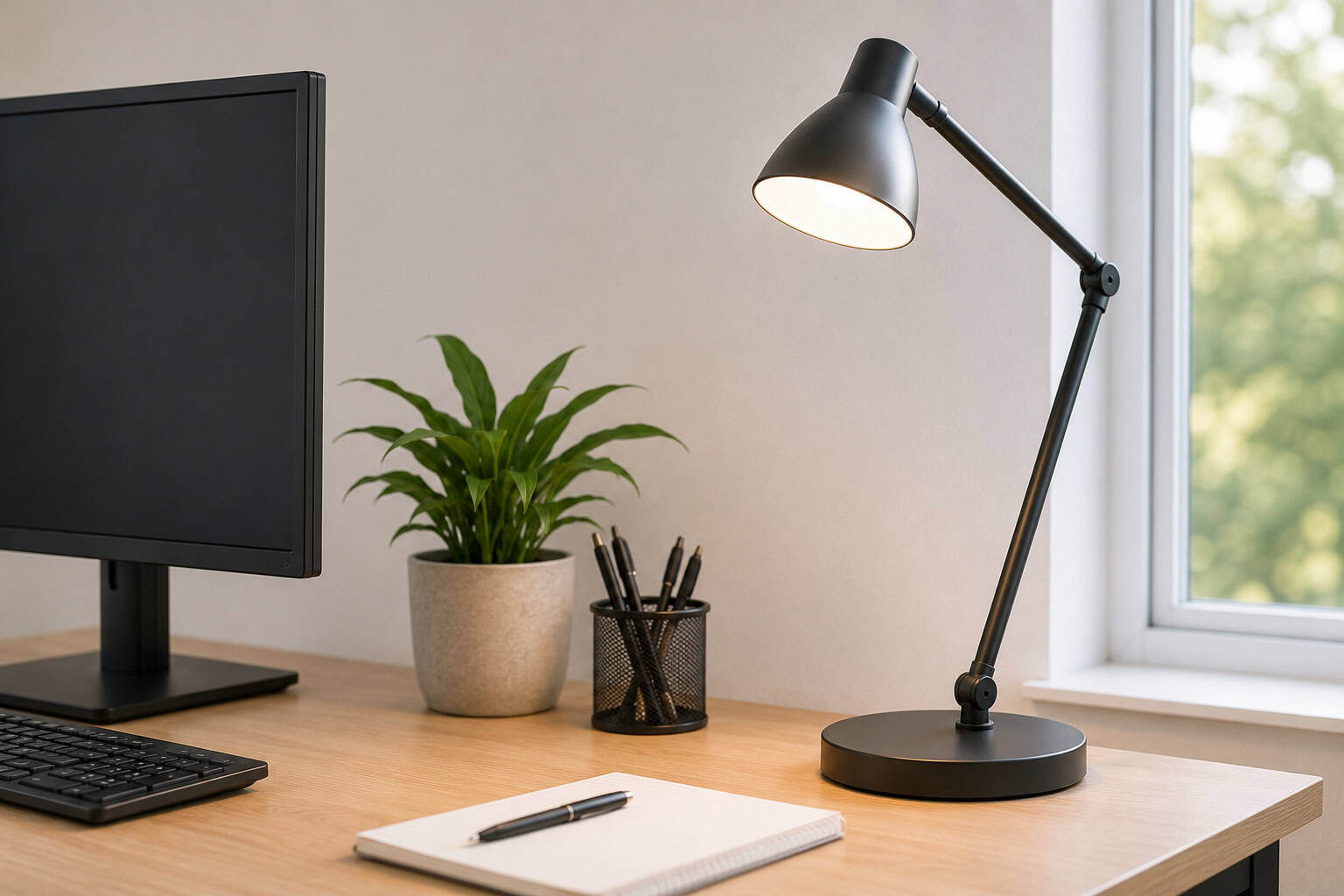
- Reduce glare on monitor screen by adjusting room lighting & window coverings
- Adjust room lighting to reduce eye strain
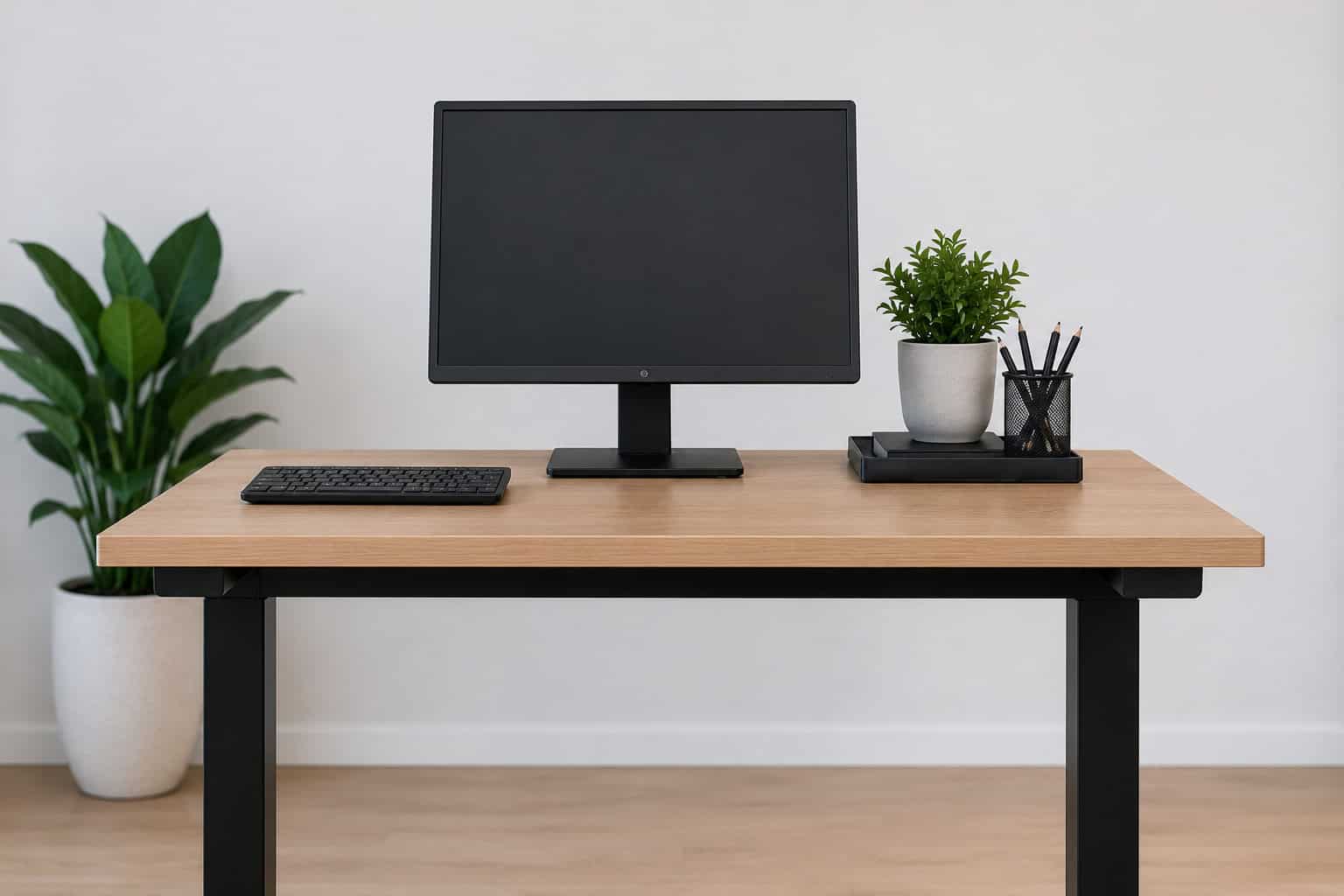
- Limit clutter
- Try a sit-to-stand desk to allow for variation in position throughout your day
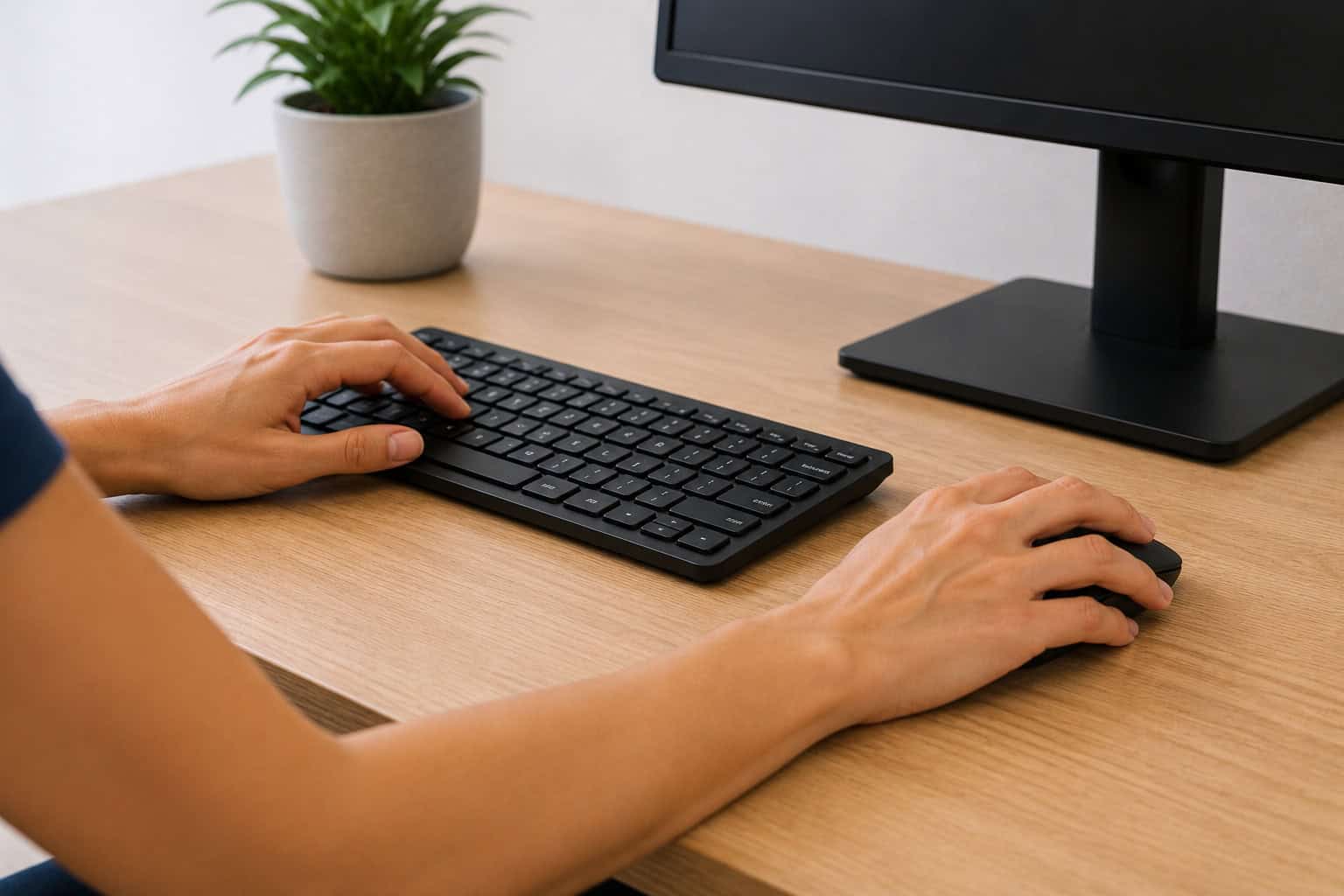
- Try out ergonomic keyboards and mice to reduce wrist and elbow pain
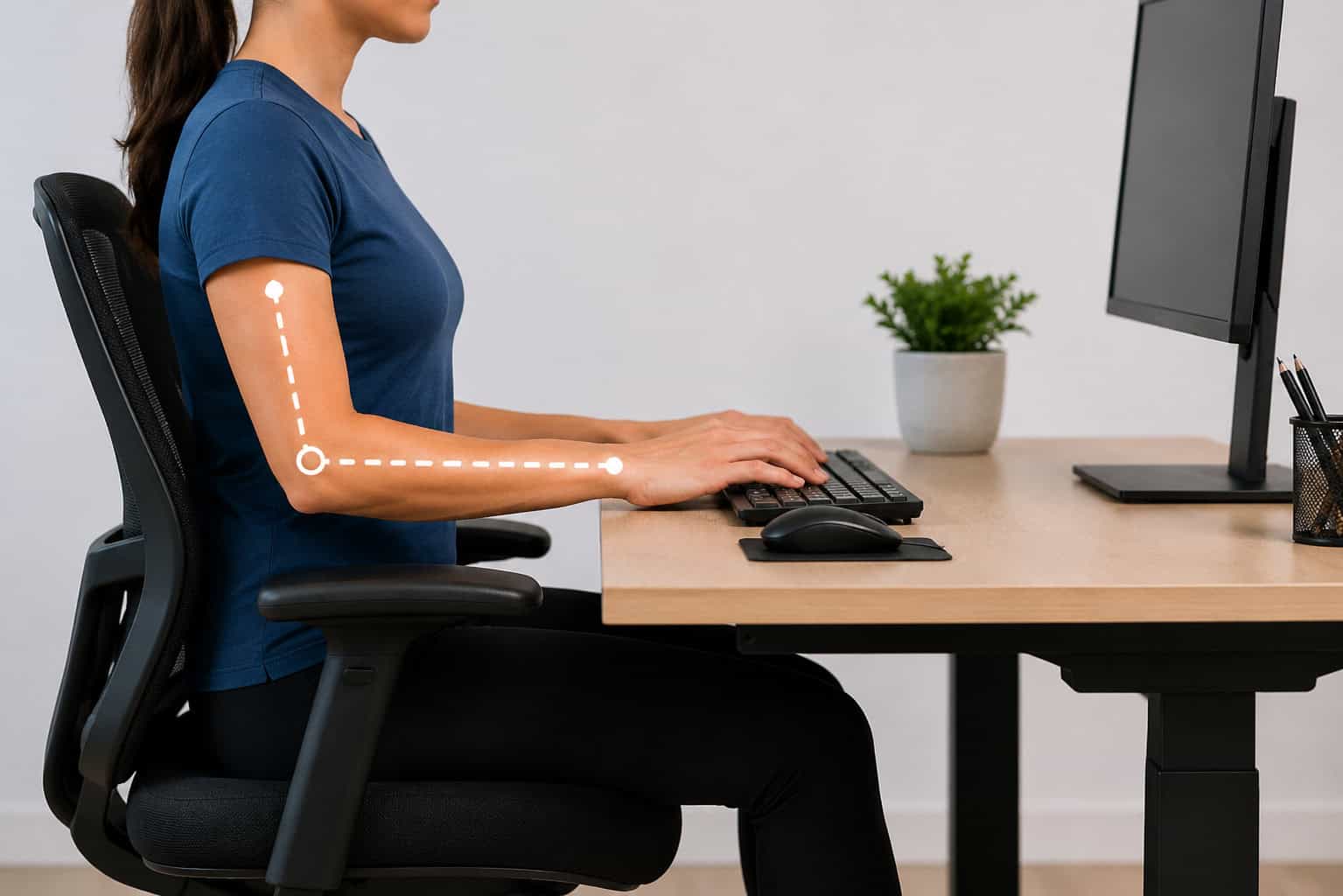
- Position elbow at or above desk-height
- Position wrists in a neutral (straight) and resting on tabletop edge
Stretch throughout the day
Even with a proper ergonomic workstation setup, regular stretching and movement throughout the day are important to reduce stiffness and improve circulation.
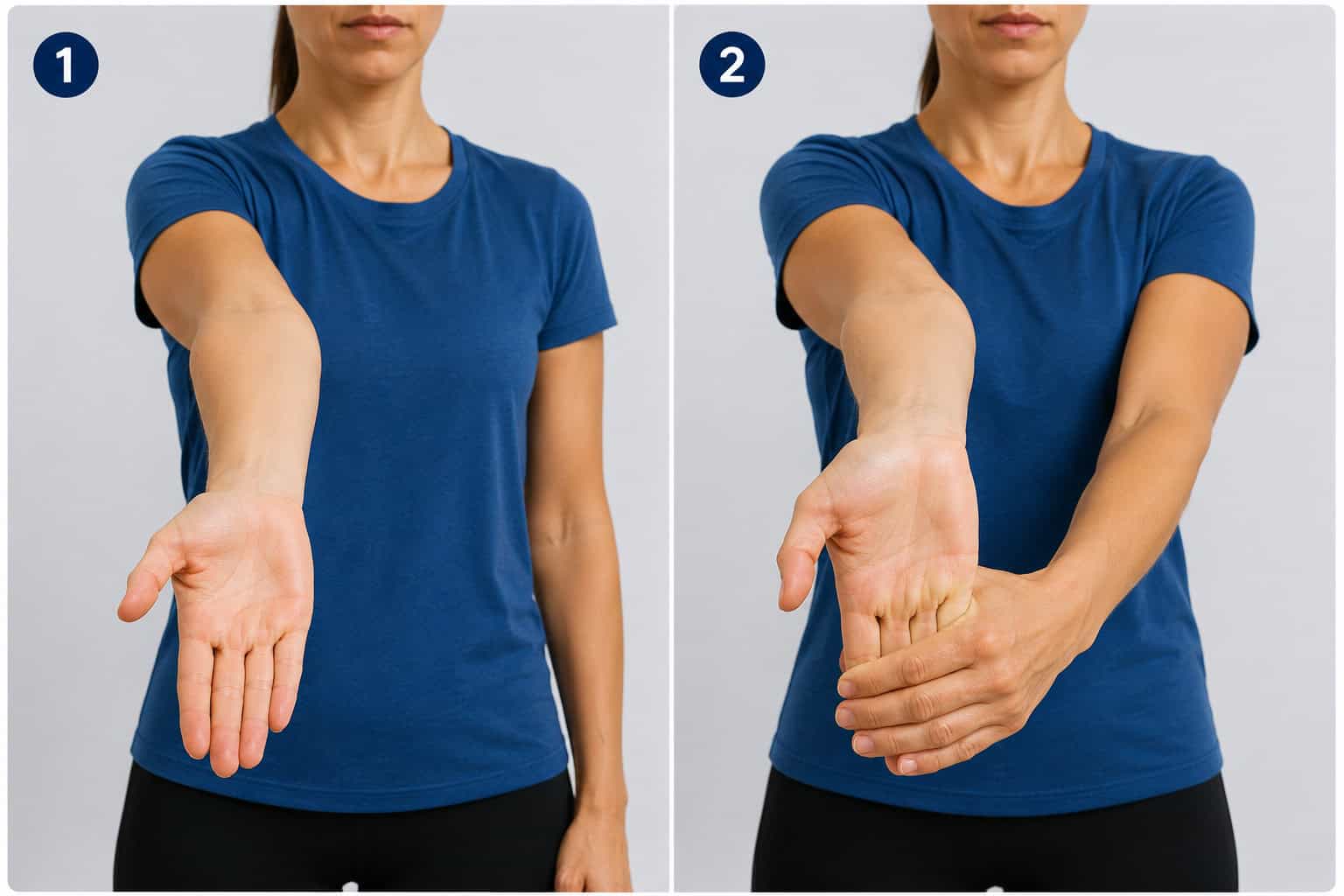
Finger + Forearm Stretch: With your elbow straight and palm up, use your other hand to gently pull down on your palm and fingers. Hold for 10-15 seconds. Alternate arms.
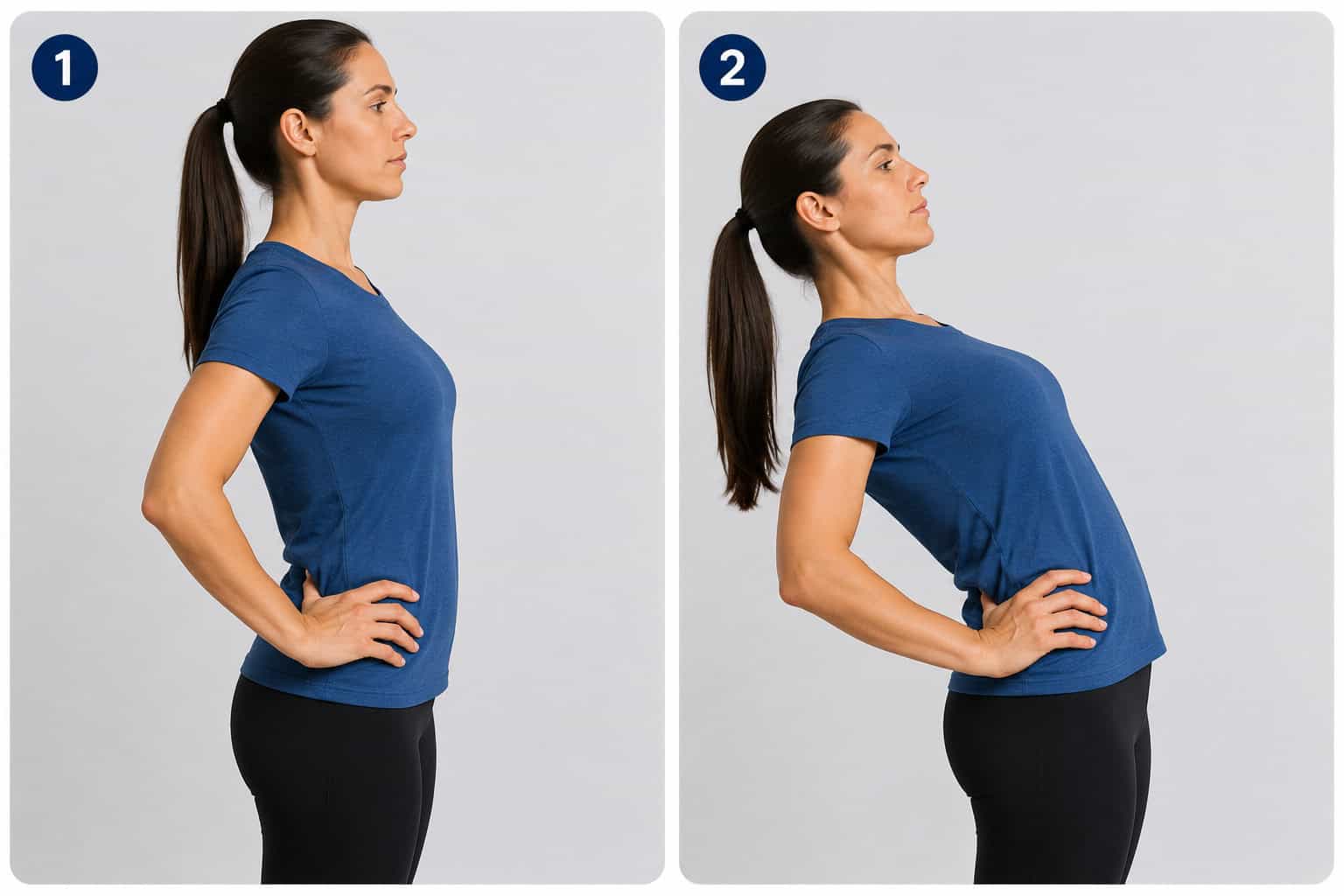
Low back stretch: With your hands on your hips, gently lean back. Hold for 10-15 seconds.
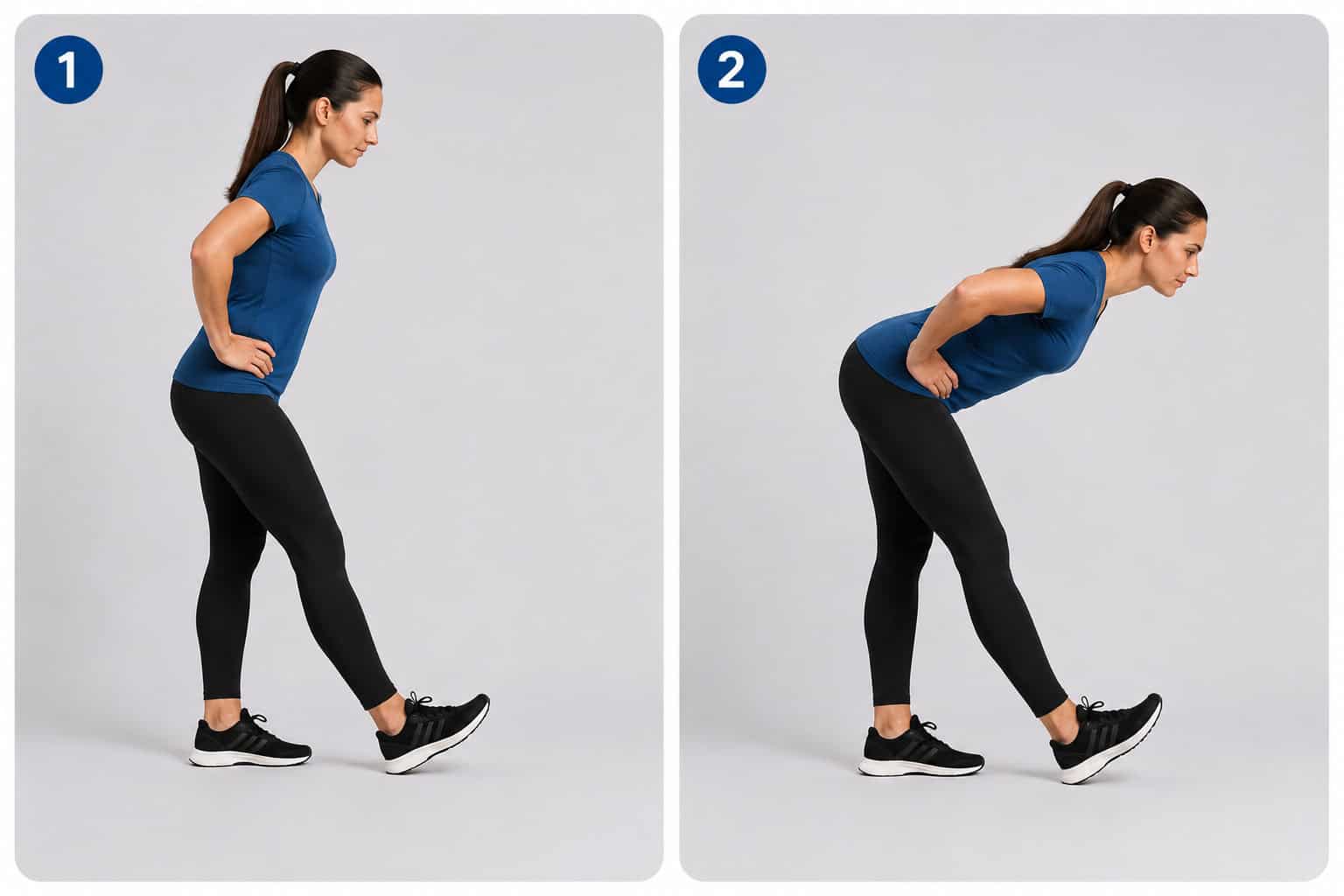
Hamstring stretch: Position your heel on the ground and knee straight. While keeping your back straight, bend forward at your hips. Hold for 10-15 seconds. Alternate legs.